

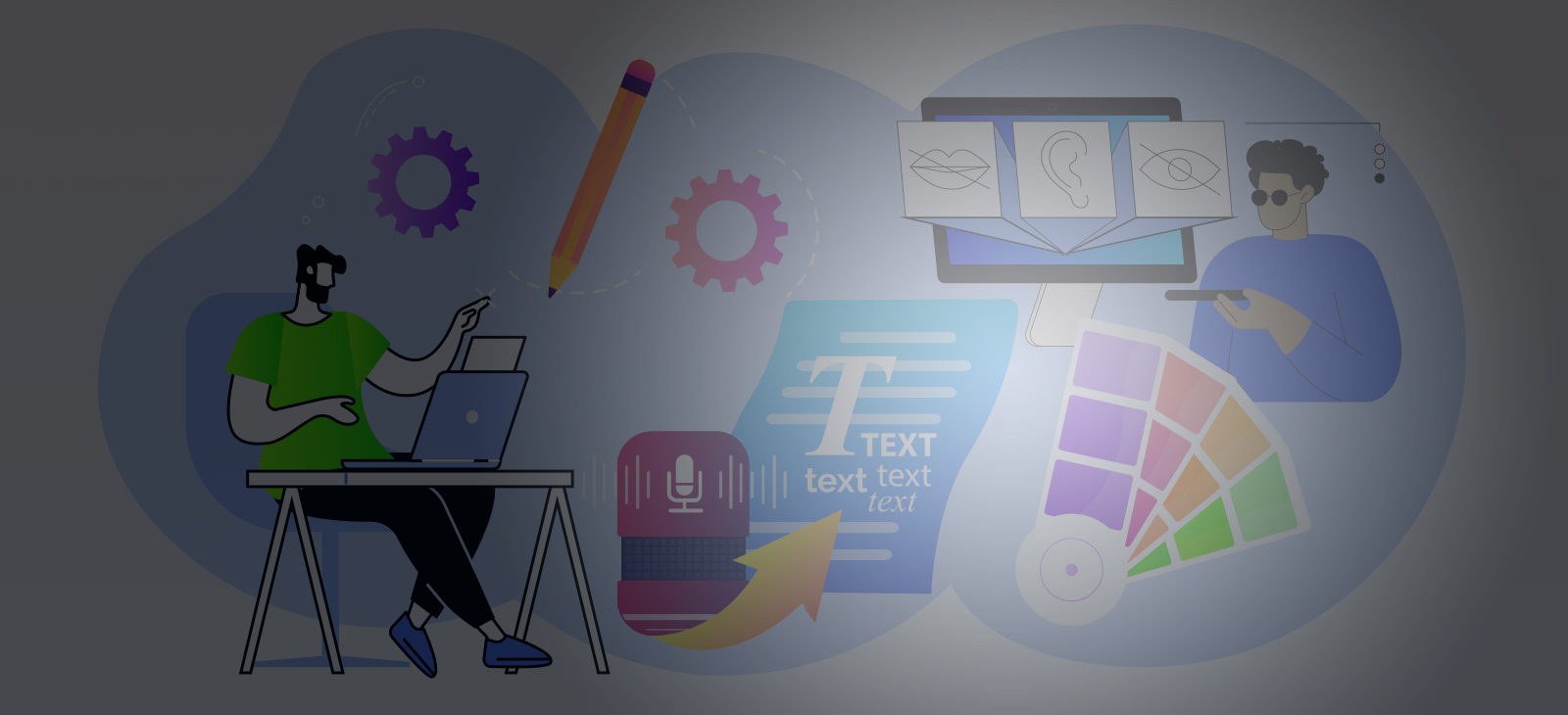
 Louis Sullivan, the renowned architect, once said, “Design should reflect its intended use.” This simple yet profound statement encapsulates the essence of creative design, whether in digital or traditional form. When designing for a new project, the ultimate goal is to create something functional in composition and impactful in delivery, resonating with as broad an audience as possible. Whether through social media, print materials, videos, or product design, most creative professionals, myself included, use the fundamentals of good design in their work. The principles of color, contrast, balance, and texture to name a few, are universal and effective when applied. However, the growing conversation around accessibility may require us as designers to reexamine what we’ve learned and adapt our methods.
Accessibility extends far beyond physical challenges. It encompasses a wide range of disabilities, including neurological, auditory, cognitive, and visual impairments. Unfortunately, many designers fail to consider this diverse spectrum of needs, excluding a substantial portion of their potential audience; 26% of adults (40% over 65) in the United States to be exact.
The importance of accessibility in design cannot be overstated. It’s not just a moral imperative; it’s a national and global priority, as highlighted by the Americans with Disabilities Act (ADA) passed in 1990 in the United States, and more recently the Web Content Accessibility Guidelines (WCAG), aimed at ensuring digital content is accessible to all.
So, how can designers integrate accessibility into their creative process? Here are some general nuances to consider.
Choosing Colors for Accessibility
When deciding on a color palette, pay attention to the color contrast ratios of the background and text colors to ensure readability for individuals with visual impairments. Avoid color combinations like red/green and specific gray shades. Free color contrast analyzers are available online to help designers determine adequate readability.
Visit our website – OR – CLICK HERE to VISIT
Additionally, color should never be used as the ONLY way to convey meaning. For example, colorblind individuals may not be able to determine that the above text on the left is any different from the rest of the text on this page; however, by underlining, bolding, capitalizing, and providing action to the text on the right, there are now four clues indicating the text is important.
Design Layout and Spacing for Easy Reading
| “Complex layouts can pose significant barriers for individuals with low vision, reading disabilities, and the 6.1 million people in the U.S. grappling with ADHD. These disabilities often hinder people’s ability to maintain their place and follow the flow of the content due to the absence of clear linear pathways, missing headings, and ungrouped elements.”
– Carie Fisher |
Structure your layouts for clarity and ease of navigation, considering guidelines for spacing and alignment. Keep in mind the size and quantity of your text. Fitting too much content on a page can make it difficult for users to concentrate and read through, so avoid oceans of text and provide adequate spacing between paragraphs (WCAG guidelines on spacing).
Use left-justified alignment to avoid irregular and odd word spacing. Pay attention to the spacing between paragraphs, sentences, words, and even letters. For instance, if not properly spaced, the letters “r” and “n” grouped too closely together could resemble the letter “m” (making “yarn” look like “yam” or “stern” like “stem”).
Accessible Typeface
You may love that fancy script with all the loops and scrolls, but if that type style is difficult for a sighted person to read, then individuals with cognitive and visual disabilities will have an even greater challenge. Opt for clear and legible typefaces, avoiding ornate or overly stylized fonts that may pose readability challenges. This includes handwritten fonts and fonts limited to a single-character case, like uppercase only.
Attention-related disorders such as dyslexia and ADHD, as well as those with low vision, can greatly benefit from the use of accessible typefaces, or a common typeface that has distinguishable characters. Is it an uppercase “I” as in “Impressive” or a lowercase “L” as in little? Your choice of typeface may help a larger audience.
Image Descriptions
With imagery playing such a significant role in overall design, those with visual impairments may miss important contexts, making text alternatives a minimum accessibility requirement. Alt text is a short meaningful description (averaging 125 characters, no more than 250) that captures the ‘why’ of an image and the essence of what makes an image interesting and distinctive. These image descriptions enable screen readers to convey visual and non-text content to users with visual impairments.
Designers should aim to provide text alternatives for any content they produce for digital platforms; whether uploading digital versions of postcards, flyers, forms, brochures, and interactive documents to your website, or designing email communications in Constant Contact, Mailchimp, or other email marketing platforms.
As stated plainly by Caroline Desrosiers, “You can’t reach any level of WCAG conformance (A, AA, AAA) without providing text alternatives.” Free programs like AI Alt Text Generator are available and easy to use.
Assistive Technology Integration
While this may not directly affect your design process, you should familiarize yourself with the following assistive technologies to understand how users interact with your designs.
- Screen Readers: Convert screen elements into speech through tap, touch, or swipe navigation
- Braille Displays: Electro-mechanical device for displaying braille characters using tactiles
- Audio: Text-to-Speech: Podcasts, audiobooks, multimodal reading tools
Inclusive Representation
Ensure that your designs portray people with disabilities in everyday situations, emphasizing their agency and independence. Feature a person’s whole identity, instead of focusing on their disability. Avoid stereotypes or tropes that may undermine the diversity and complexity of disability experiences.
Accessibility in Practice
At Riggs Creative Group, we’re actively looking for ways to increase accessibility in our design. In working with the United Way of Gloucester County, Rowan College of South Jersey, and the County Gloucester to launch LEAD Gloucester County, a nine-month leadership program for future business and community leaders, Riggs Creative Group was tasked with designing a brand that would include all three entities’ logos.

As a design element for the new logo and tagline, we used the lowercase “e” from the logo to highlight the four pillars of the new initiative. Visually it works well, but it was important to consider how this would be read back to a screen reader. Without the “e” attached to the word, the screen would have read “ducate” instead of “educate”. To remedy this issue, we included a greyed-out lowercase “e” behind the arrowed “e” from the logo. It’s a small change that a sighted person will never notice, but it significantly enhances a visually-impaired user’s experience. With one thoughtful design choice, our team ensured accessibility without compromising visual appeal.
| “When you’re designing a page, it’s essential to think about who your audience is — and that your audience may not have the same abilities as you. – Carie Fisher |
In conclusion, designing for accessibility is not just a technical requirement; it’s a mindset that fosters inclusivity and empathy. By embracing accessibility principles, designers can create experiences that resonate with a diverse audience, enriching the impact of their work while upholding the fundamental principle that design should serve everyone.
As Enid Brown, Accessibility Specialist and Strategist, aptly puts it, “Accessibility is not just about compliance; it’s about dignity and respect for all users.” So, let’s strive to make our designs both impactful and inclusive, leaving no one behind.
To learn more accessible design tactics check out A Practical Handbook on Accessible Graphic Design.


